With the WLP Backoffice, you can centrally manage your health promotion measures and take your occupational health management to the next level. It's best to familiarize yourself with all the features and services as soon as possible so that nothing stands in the way of getting started.
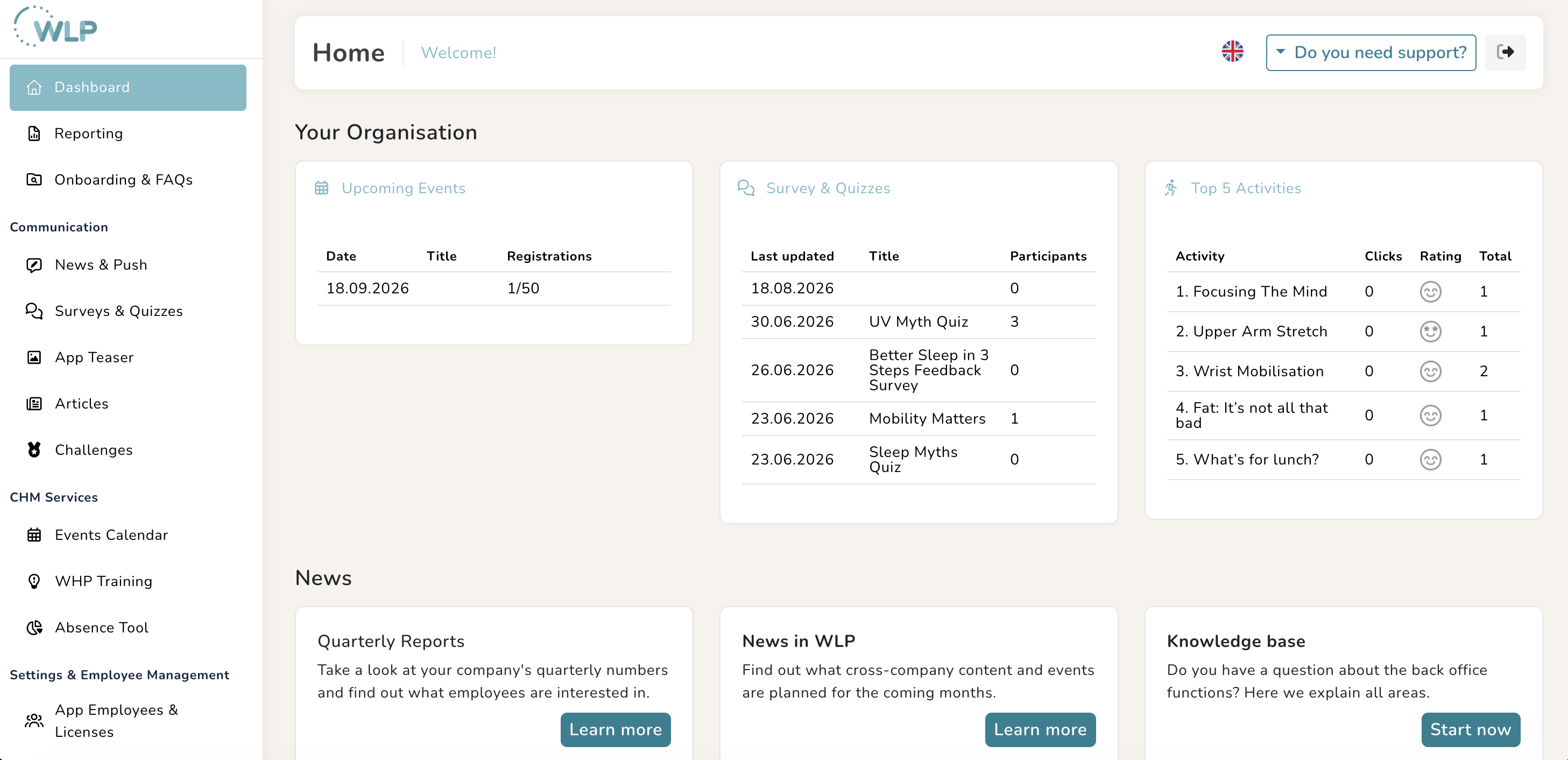
We recommend starting with the following areas:
1. Initial settings and user management:
It is best to first check the data stored in the My Account section. The second step is to grant access with the appropriate role profiles to colleagues who support you in health promotion or who need access to the WLP back office for other reasons.
2. Upload logos
The next step is to upload your company logos to your account. These will be displayed in your communication or as images in the app.
3. Create events
The event calendar offers you numerous options for giving your employees access to existing occupational health management measures or providing an overview of company events. It is best to start by creating the first events in your calendar.
4. Prepare communication
To ensure that your employees don't miss any of your events or important information, you can set up in-app news and push notifications under the communication tab. To ensure a smooth start, you can create a welcome message in advance.
The WLP checklist
Please go through this checklist carefully before your kick-off event and take your time, as these tasks are in addition to your existing work. We want you and your team to have a wonderful WLP experience, so it is very important to allow time for setup and implementation.
Support for you
When working with a new digital tool, minor challenges can always arise. That's why we're here to support you—for example, with regular webinars—so that nothing stands in the way of the rollout to your employees.
App User Support
Our App User Support colleagues are also available to assist employees at any time
Was this article helpful?
That’s Great!
Thank you for your feedback
Sorry! We couldn't be helpful
Thank you for your feedback
Feedback sent
We appreciate your effort and will try to fix the article