In the WLP Backoffice, you can create content in different languages for your employees. Since the app can be used by users with different language settings, it’s important to maintain the various language fields correctly in the Backoffice.
Why are language settings important?
When you want to create content (e.g., a message) in the Backoffice, you’ll see input fields for the content. Using the dropdown menu in the upper-right corner, you can easily switch between the different languages and enter the corresponding text.
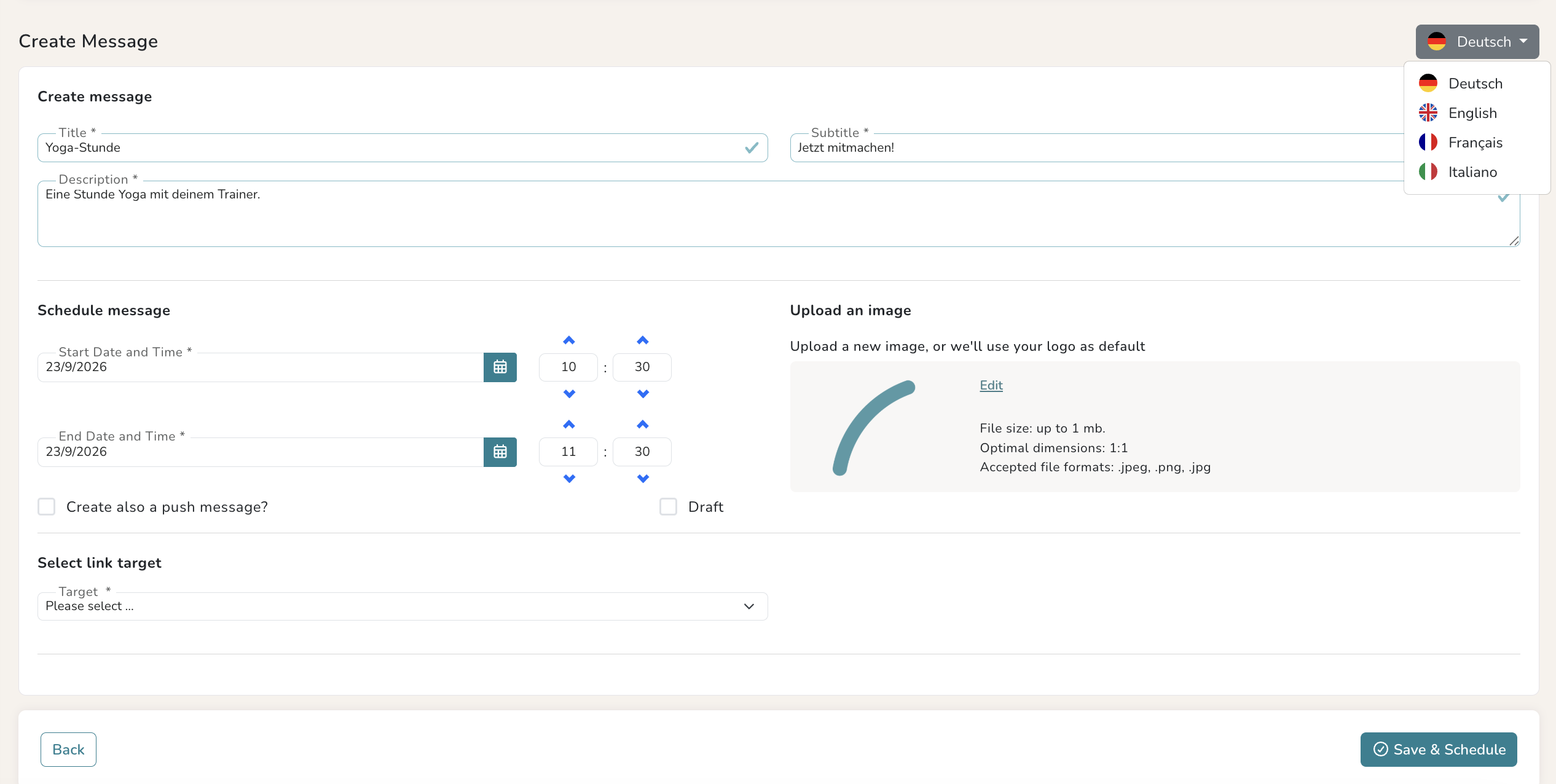
In this case, it is recommended that you carefully fill out the fields for both German and English. If you leave the English text fields blank, employees who have their smartphones or the app set to English will not see any text in that section of the app.
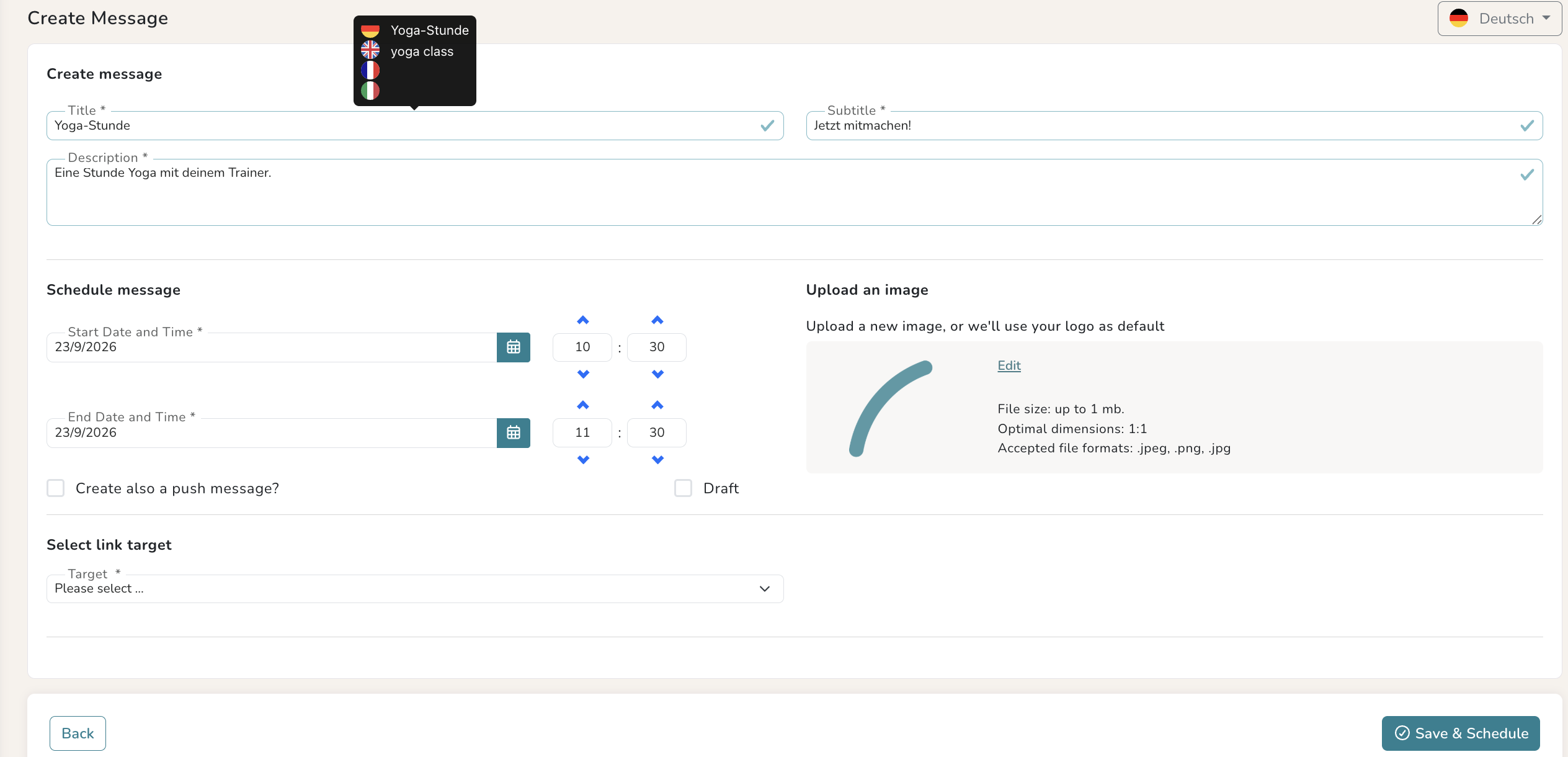
If you and your employees don’t absolutely need an English translation, you can simply enter the same German text in the English field. This ensures that even users who have set the app to English will at least see the text in German.
The WLP app is currently available in the following languages:
- German
- English
- French
- Italian
If you have any questions about language settings or creating content, the customer support team will be happy to assist you.
Was this article helpful?
That’s Great!
Thank you for your feedback
Sorry! We couldn't be helpful
Thank you for your feedback
Feedback sent
We appreciate your effort and will try to fix the article