Here is how to tailor your content to specific target groups at your locations or departments
You can create content (news, teasers, and events) for multiple locations or departments at the same time. This saves you from having to enter the same information twice and performing time-consuming repetitions. Simply define your target groups, create measures, and watch your content land exactly where it is needed.
You can only see your defined target groups if you have already had them activated by our customer service team.
If you are planning target group-specific communication, you can send a back office request to customer service via the back office.
Here's how to set up your locations/departments:
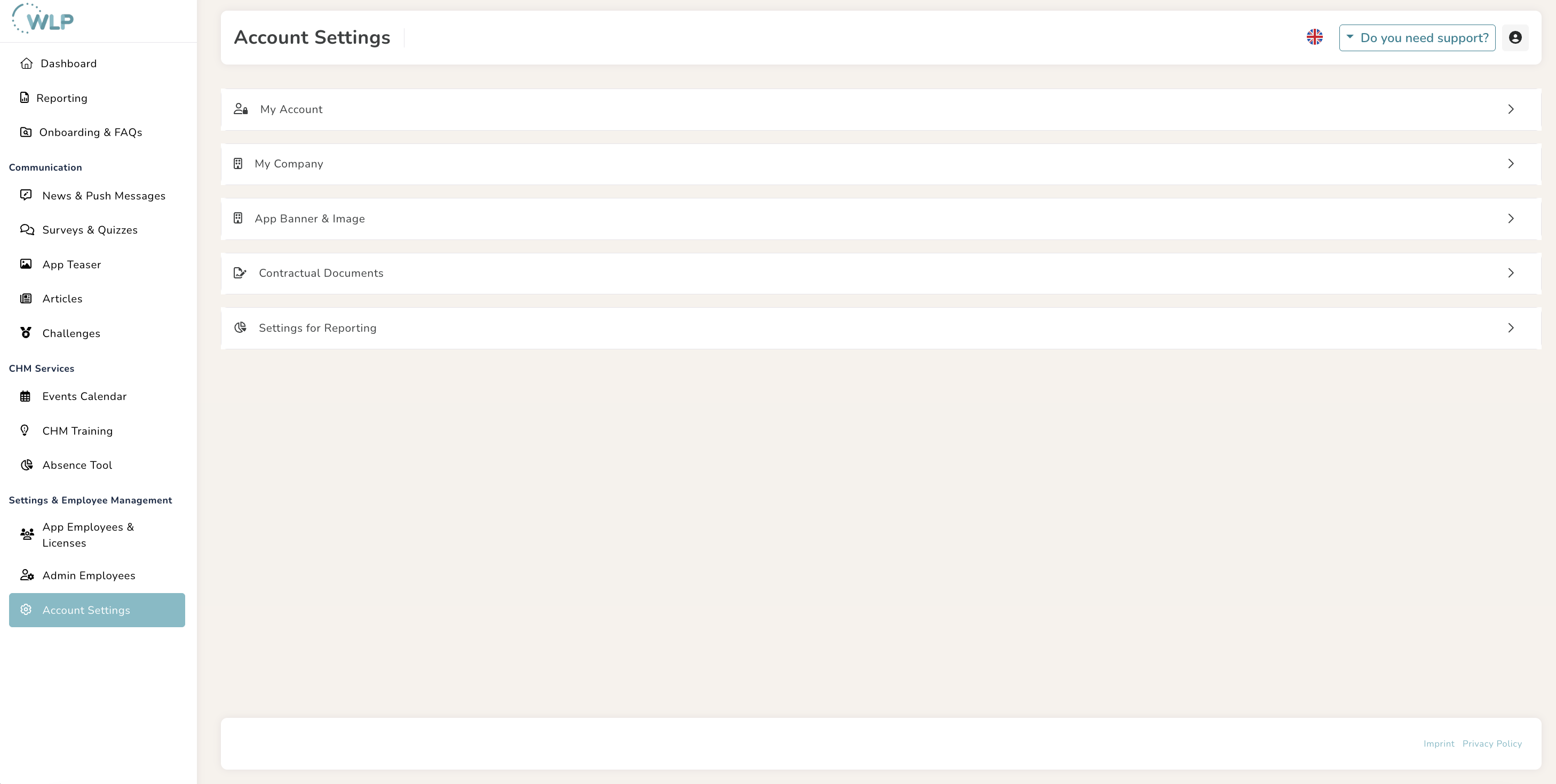
In the back office, under “Account Settings” in the “Reporting Settings” tab, you can now add your locations/departments.
Note:
If you want to create locations or departments, you need at least 15-20 people per location and at least 5 active people who regularly use the app. This is important in order to be able to create reports for the locations and to ensure anonymity.
Note:
The entry must contain at least 3 letters and no special characters; letters with umlauts cannot be used either.
Please ensure consistent spelling.
Your company name should be mentioned first, followed by the respective location or department:
SampleCompany_Berlin
SampleCompany_IT
SampleCompany_Sales
Target group-specific communication:
When creating your events, news & push notifications, and app teasers, you can select one or more target groups (locations/departments). This ensures that only these target groups receive the news.
Here's how it works
- Create your content
- Define the target group for your content: “All” or “Custom selected group"
- Select your desired target group from the list of created locations or departments.
- Click on “Confirm.”
Was this article helpful?
That’s Great!
Thank you for your feedback
Sorry! We couldn't be helpful
Thank you for your feedback
Feedback sent
We appreciate your effort and will try to fix the article