Cycling-Challenge: Motivate your employees to cycle more!
As you already learned during onboarding, you can independently set up one step, mindfulness, knowledge, or workout challenge per quarter in the Backoffice.
In addition, we also offer two other special types of challenges that we can set up for you: The Team-Challenge and the Cycling-Challenge.
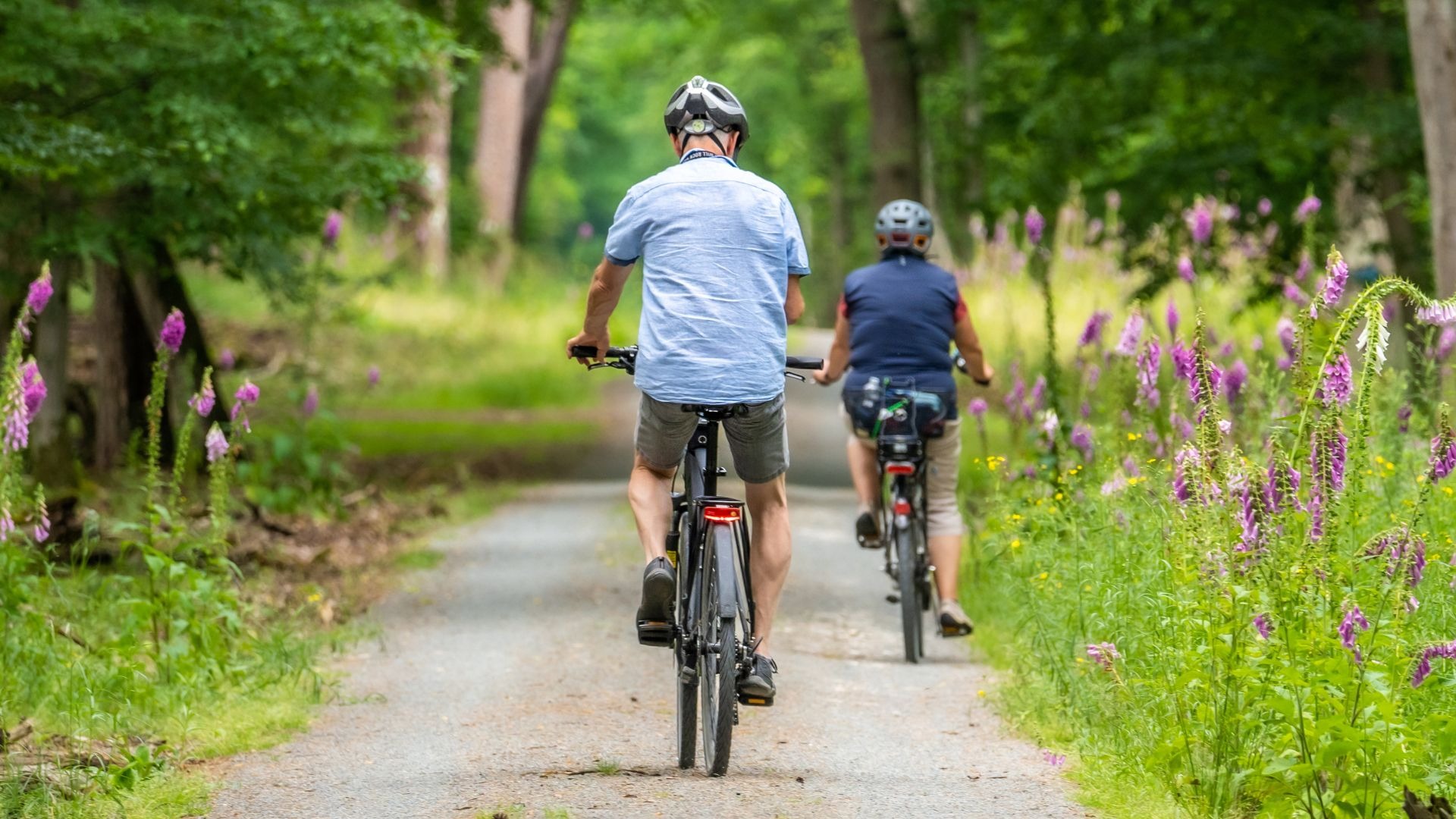
A Cycling-Challenge can be a great addition to the other challenge types. Spring and summer are particularly wonderful seasons to motivate employees to spend more time in the fresh air and perhaps choose their bike over the car, bus, or train more often.
In a Cycling-Challenge, the minutes spent cycling are what counts. For this, app users need a fitness tracker capable of tracking cycling activity.
Please formulate the text clearly and in an easily understandable way so that the challenge participants know what to do.
Good to know: To request a Cycling-Challenge, simply click on the "Need support?" button in the Backoffice and select the "Backoffice Request" category in the form. Or click here.
To create the Cycling-Challenge, WLP Customer Support needs the following information about the challenge:
Start and end date
Type of challenge: Cycling-Challenge
A description text with all relevant information
Optional: a custom image in the dimensions 818 x 529
Please specify if only certain departments or locations should participate (this only applies to your company if you have activated the location/department feature)
Important:
The processing time for Cycling-Challenges via WLP Customer Support is approximately two weeks. We recommend planning for an additional two weeks during which the challenge is visible in the app. This gives your employees the chance to see the challenge in time and mentally prepare for it.
Therefore, it is best to submit your challenge request to us at least one month before the desired challenge start date.
Please also note that you can host ONE challenge per quarter (regardless of whether it is a step, point, team-, or cycling-challenge).
The following questions can help you when drafting the description:
What is the timeframe of the challenge?
What is the challenge goal and how can participants achieve it? (Inform participants that they need a fitness tracker capable of tracking time spent cycling. The distance covered is irrelevant for the challenge; only the minutes count.)
Is there a prize for winning the challenge? (If yes, the challenge winners would need to identify themselves to you at the end so you know who is behind the nickname.)
Double check: Is the text easy to understand so that even new app users immediately know what it's all about?
Challenge evaluation – what data you can view:
If you, as the health management coordinator (BGM/BGF), would like to evaluate the challenge at the end, it is important that you also click "Participate" at the beginning of a challenge. This gives you full visibility into the leaderboard at any time, where you can see the associated challenge results. Once the challenge is finished, you will see which nicknames are at the top of the leaderboard and their respective results.
Please note that for data privacy reasons, we do not communicate any data that allows conclusions to be drawn about individual user behavior. This includes app user IDs and nicknames.
We wish you a lot of fun with the Cycling-Challenge!
Let’s get started!
Was this article helpful?
That’s Great!
Thank you for your feedback
Sorry! We couldn't be helpful
Thank you for your feedback
Feedback sent
We appreciate your effort and will try to fix the article